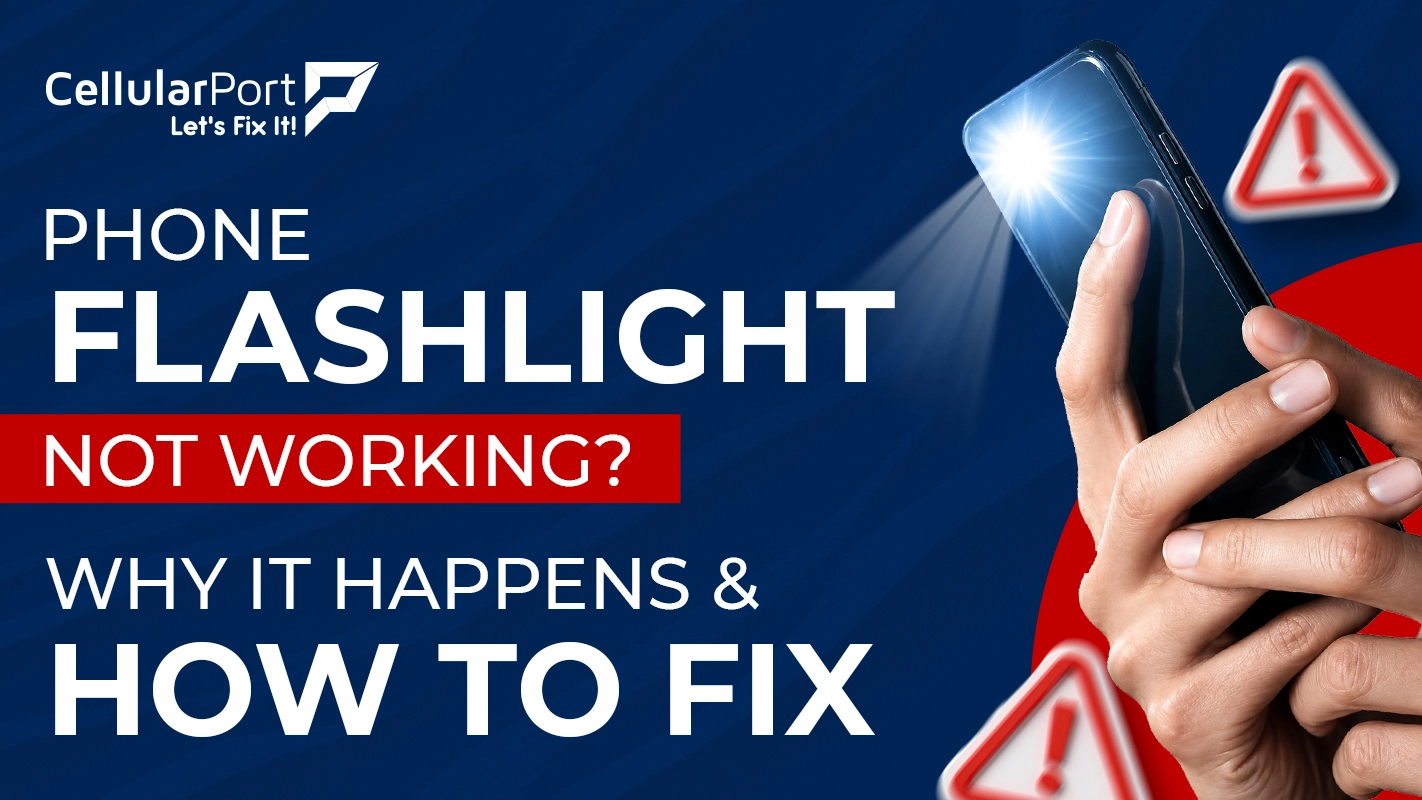
Your phone flashlight is not working at this moment, which you need urgently, yet it refuses to function. The situation creates extreme irritation. The majority of situations show that this issue does not involve major damage to equipment. The solution can be fixed by you at home in 90 percent of the situations without needing to spend any money.
Why Is My Flashlight Not Working in the First Place?
Ever ask yourself, “Why did my phone flashlight stop working” in the first place? We’ve all been there. But you need to know more about the faulty flashlight before starting your troubleshooting. Your phone flashlight operates through a small LED light that mobile software controls. The problem can arise from either the hardware components or the software programs. Software problems occur more frequently than any other type of technical problem. So next time, instead of asking “Why is my flashlight not working?”, try these.
Another App Using Camera
The most common reason your phone flashlight not working is that another app is using the camera. That is right. Your flashlight and your camera share the same LED bulb. The flashlight cannot activate because your camera app runs in the background. The system locks out access to the feature.
Overheating
The second most common reason for your “my flashlight is not working iPhone” query is overheating. The phone system shuts down specific functions when the device reaches dangerous temperature levels. The flashlight system typically gets disabled first. Your phone flashlight not working because you operated your phone excessively or placed it outside in direct sunlight.
Software Error
The third problem with your phone torch not working may be a software error. The technology of mobile phones experiences operational failures that are similar to those found in computers. The system will not respond to the flashlight function because of a temporary system failure. A period of time directly after a software update completes brings about this problem.
The LED itself will only experience physical damage in extremely uncommon situations. You should not reach that conclusion at this moment. The software solutions should be tested first because they will resolve most situations.
Also Read: How to Properly Erase Your iPhone Before Selling
My Flashlight Is Not Working iPhone. Is It Different?
The answer to this “why did my phone flashlight stop working” query is both yes and no. The flashlight problems on your iPhone are caused by the same three main issues. The iPhone has additional functions that create special operational challenges for users. The flashlight on your iPhone will work irregularly when you use Low Power Mode on your device.
The iPhone operating system requires all applications to obtain user permission before they can access the device’s camera for background operation. The flashlight will not function when you use a third-party application that operates a camera or video recording function because the application controls all device access to its features.
The Control Centre functions as an iPhone feature that users can access. The flashlight icon sometimes becomes unresponsive and stops working. The button appears to function normally, yet it does not respond when you press it.
How to Fix Your Phone Flashlight Not Working Right Now
Before you wonder more about why won’t the flashlight on my phone work, do these simple troubleshooting steps:
Shut Down All Apps
Your first task requires you to shut down all running applications on your device. You need to swipe all open applications until they disappear from your screen. After five seconds, you should repeat your attempt to use the flashlight. More than half of the time, this solution successfully resolves the issue. The open camera application on your device needs to be closed because it blocks your phone flashlight from functioning properly.
Reboot Your Device
If the first solution is ineffective, then you should proceed to reboot your device. The solution represents the most effective method to resolve all software issues that exist on your device. The process of restarting a device removes temporary data, terminates active background applications, and begins a full system restoration. You should test your flashlight after your phone completes its power-up process. People will find it surprising that this method works effectively in most situations.
Also Read: Are your AirPods Dying Quickly? Top Reasons and Easy Fixes
Check if Your Phone Is Overheating
The next step requires you to investigate whether your phone has reached an overheating state. You should place your device in a cool location for ten minutes when it starts to feel warm or hot. Freezing the device remains prohibited because you should allow it to cool down through natural processes. The problem with your phone torch not working will resolve itself when the temperature drops because the phone will permit LED activation to function again.
Check Software Update
Your software updates need to be checked after this step. The system update can be found by navigating through your phone settings to the system update section. You should install the update if one exists. The next update will correct bugs that were introduced through the previous update. The information becomes essential for situations where your phone flashlight is not working for unexpected reasons.
Clear Cache
Try clearing the cache of your flashlight app or camera app. The procedure to clear the cache of the Camera app requires Android users to access the Settings menu and select Apps before they locate the Camera app and choose Clear Cache. This process deletes all temporary files, which may be responsible for the existing conflict. Users can delete and reinstall third-party camera applications on their iPhones while the device’s built-in camera function remains permanent.
Also Read: How To Remove Black Spots On iPhone Screens?
Still Not Working? Here Is What to Do Next
If you’re still wondering why won’t the flashlight on my phone work, the current situation presents two potential outcomes. Either there is a deeper software issue which needs resolution or the LED hardware itself requires fixing. You can use factory reset as your final option to resolve software problems. You must create a backup of all your data before proceeding.
Get the LED System Checked By Professionals
The solution requires substantial effort, so it should only be attempted after all other methods have proven ineffective. The LED system may sustain physical damage if your phone has recently experienced dropping or water exposure. In that situation, software solutions will not provide any assistance. The equipment needs an assessment from an expert technician. CellularPort provides the necessary assistance to resolve this situation.
CellularPort fixes it fast, the right way.
If your phone flashlight not working and the above solutions did not resolve the problem our certified technicians will provide fast diagnosis and repair services. From LED replacements to software deep fixes, we handle it all. Walk in or book online today.