You never consider your phone’s vibration motor until its silent operation stops functioning. Asurion conducted a 2022 survey which found that Americans check their phones more than 96 times daily while many users depend exclusively on vibration alerts to use their phones in silent spaces like meetings, classrooms and their bedrooms during nighttime. But do you know how to check if phone vibration is working or not? Have you ever asked “why doesn’t my phone vibrate when I get a call?”. Here is the answer.
Why Vibration Stops Working
The cause of the problem usually comes from one of two sources which are either an unintentional alteration of software settings or a malfunction of the vibration motor hardware. The following section explains the main reasons that lead to system failures in this particular case:
- Do Not Disturb (DND) mode: The DND function blocks all vibrations which includes calls and messages.
- Silent/ring mode toggle: The physical side switch on iPhones disables vibration when users fail to set the option in Settings.
- Per-app notification settings: Users can disable vibration rights for individual apps while maintaining their system protections.
- Physical motor damage: The LRA motor inside the phone becomes damaged through drops and water exposure and general wear.
- Software bugs: In rare cases a system process becomes corrupt which disrupts the normal operation of haptic feedback systems.
Also Read: iPhone 15 Overheating Issues – Top 10 Fast Fixes That Work
How To Check If Phone Vibration Is Working On iPhone
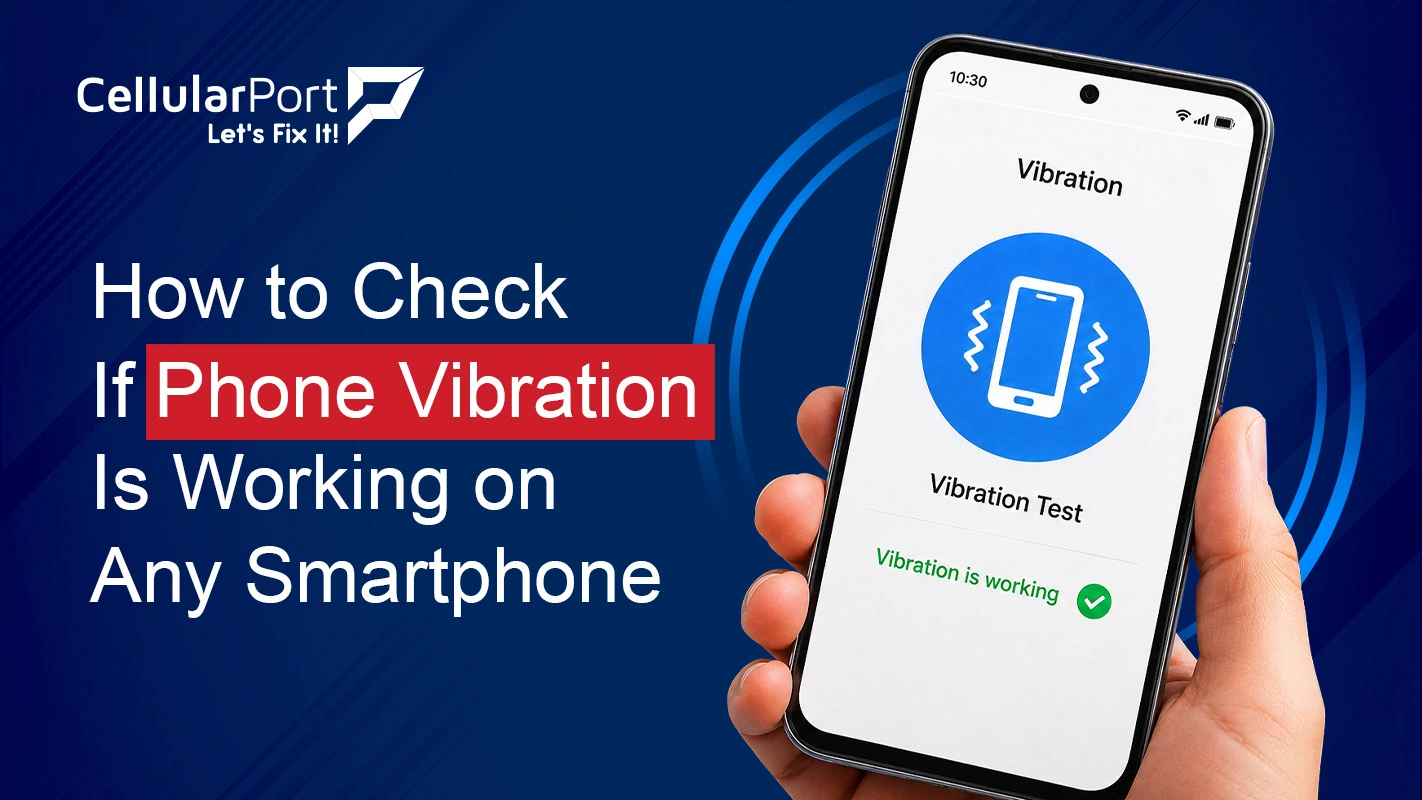
You can use the Settings test which is built into the iPhone to test its phone vibration function. Follow these steps:
- Open your Settings and toggle to Sounds & Haptics.
- Under the “Ringer and Alerts” slider, drag it left and right, your phone should vibrate as you move it.
- Scroll down and tap Ringtone, then tap Vibration at the top of the screen.
- Select any vibration pattern, you should feel it play immediately as a preview.
- If no vibration is felt during the preview, the motor or a deeper software setting is likely the issue.
How To Check If Phone Vibration Is Working on Android
The main procedure for checking vibration functionality operates similarly across most Android devices. The process begins with these steps:
- Open Settings and go to Sound & Vibration (or “Sound” on some devices).
- The user needs to select Vibration & Haptics from most Android skins which include Samsung One UI and Pixel and Xiaomi MIUI.
- The user needs to activate vibration first and then select any testing option to experience the motor operation.
- The user needs to open Settings on Samsung devices and then select Sounds and Vibration and then Vibration Intensity to move the sliders which control call and notification and touch feedback.
- The motor might be defective because the slider moves yet no vibration occurs.
Also Read: Are your AirPods Dying Quickly? Top Reasons and Easy Fixes
How To Put Your Phone on Vibrate
Here is how to put your phone on vibrate mode:
iPhone
- Flip the ring/silent switch down.
- The user needs to access Settings and then navigate to Sounds and Haptics to activate the Silent Vibrate feature.
- The Action Button used for silent mode control on the iPhone 15 Pro+ device functions as a dedicated silent mode activation button.
Android
- The user needs to press Volume Down until the vibrate icon appears in the status bar display.
- The user needs to access Settings and proceed to Sound to change Ring mode into Vibrate mode.
- The user on Samsung devices can activate fast sound mode transitions by pressing and holding the volume button.
Why Is My Phone Not Vibrating (Software Fixes To Try)
Your problem requires these software solutions because your phone fails to vibrate for incoming calls and messages despite the motor functioning properly through the Settings menu.
The required actions to solve this problem involve two specific steps. The first step requires you to disable all Do Not Disturb and Focus Mode settings. Users need to visit the Settings menu and proceed to Notifications to choose their desired application after which they must confirm that both Sounds and Badges settings together with vibration function properly. The haptic engine becomes frozen when temporary software conflicts exist but the system can be fixed through a soft reboot.
This is one of the most reported vibration complaints. why is my phone not vibrating when I get a call usually traces back to one of three places: the call-specific vibration pattern is set to “None,” DND is blocking incoming calls, or the contact calling you is assigned a custom ringtone with no vibration pattern attached.
Phone Keeps Vibrating With No Notification, What’s Happening?
The opposite problem causes the same level of frustration which exists in the original situation. If your phone keeps vibrating with no notification, it may be because of haptic engines activate because poorly developed applications create invisible ghost notifications.
Also Read: My AirPods Fell into Water: The Complete Rescue & Recovery Guide
Frequently Asked Questions
Q1. What Is the Easiest Way to Know How to Check If Phone Vibration Is Working?
The simplest method to try if you are wondering how to check if phone vibration is working is to open Settings → Sounds & Haptics (iPhone) or Sound & Vibration (Android) and trigger the built-in vibration test.
Q2. Why Doesn’t My Iphone Vibrate When I Have Enabled Vibration Mode?
If you have already turned on the vibration mode and are still wondering why your iPhone does not vibrate, the problem might be something else. Your iPhone may be in DND or focus mode, that stops it from vibration upon receiving a notification.
Q3. How to Put Your Phone on Vibrate Without Going into Settings?
The iPhone has a switch, on the side that lets you turn it to vibrate really easily. You do not have to go into the Settings to do this. On the hand Android devices are a bit different. To change the mode on an Android device you have to press the Volume Down button a times. When you do this the Android device will change from Ring mode to Vibrate mode and then to mode. You will see a vibration icon appear in the status bar when you do this. The iPhone Ring/Silent switch is very simple to use.
Still Don’t Know How To Check If Phone Vibration Is Working?
CellularPort provides professional smartphone diagnostic services and vibration motor repair solutions for all iPhone and Android smartphone models. We provide quick service delivery together with expert professional assistance if you don’t know how to check if phone vibration is working. Give us a call or visit any of our locations.
Visit the Nearest CellularPort Location.