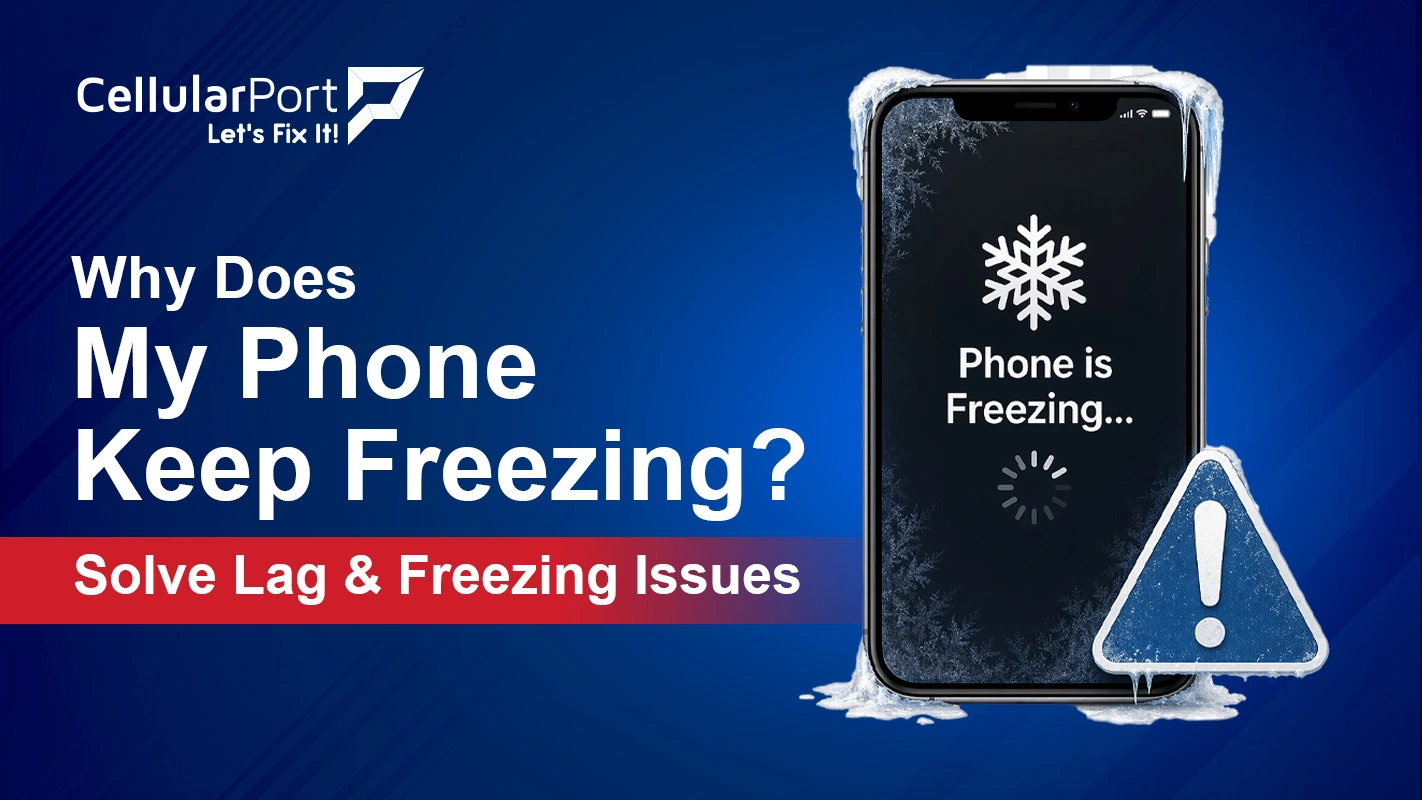
If you are in the middle of sending a message or scrolling through something on your phone and the screen just stops working you know it is really annoying. A lot of people search for Why does my phone keep freezing, as it is one of the complaints about smartphones all over the world. The frustrating thing is that when you ask Why does my phone keep freezing is not just one simple answer. This guide will go through all the reasons, and give you simple and practical things you can try to fix the problem right now.
Common Reasons Why Is My Phone Freezing Up
Before fixing anything, it helps to understand why is my phone freezing up in the place. Here are six main reasons why this happens:
Overloaded RAM
When many apps are running at once they use up all the available memory. This causes the processor to slow down and my phone freezes.
Buggy App
A single misbehaving app can consume use up all the CPU resources. This locks up my phone interface.
Outdated Software
Old OS builds are known to carry bugs that cause crashes and UI lockups.
Degraded Battery
A battery that’s below 80 percent health can be unpredictable in terms of power.
Also Read: iPhone 15 Overheating Issues – Top 10 Fast Fixes That Work
What Do I Do If My Phone Is Frozen, Immediate Fixes
So, what do i do if my phone is frozen? Do not panic. Start here:
- Force restart. Force restarting should fix the frozen issue in most phone models.
- Close background apps. Swipe away every open app from the recent apps screen. If the display is frozen and kind of doesn’t react, do the force restart from above first, because it’s the only sensible route forward.
- Let it cool down. If your phone feels warm put it face down on a surface. Keep it away, from sunlight for 5 to 10 minutes. The phones thermal throttling usually fixes itself once the temperature drops.
- Free up storage. Remove big apps, move photos into cloud storage, and clear app caches. Try to keep at least 2–3 GB of breathing room free all the time.
- Update your OS. Check for the latest update on your software and update to check if the problem is fixed.
If your phone screen freezes and won’t respond to touch on different app, it’s not a single event. It’s a pattern, so treat it as a deeper issue.
How To Fix Your Phone If the Screen Is Frozen, Deeper Fixes
If the quick fixes don’t do it, and that same pattern keeps coming back, then here is how to fix your phone if the screen is frozen:
- Boot into Safe Mode (Android). This temporarily shuts off all third-party apps. If the freeze stops in Safe Mode, it’s very likely that a downloaded app is the actual cause.
- Check battery health. If the battery health is under 80 percent, replacing the iPhone battery often fixes the problem of freezing.
- Reset all settings. This clears configuration issues without wiping your data.
- Factory reset as a last resort. Back up everything first. A clean install wipes out any software weirdness, and that’s what can make the phone keep freezing persistently.
Phone Screen Freezes and Won’t Respond to Touch, Hardware to Consider
When your phone screen freezes and won’t respond to touch even after you try every software fix, then hardware becomes the most likely explanation. A digitizer (the touch-sensing layer under the glass) that’s starting to fail tends to cause exactly this, the display still shows everything normally, but touch input just stops registering. Water damage, a prior drop, or even plain age can wear down the digitizer on its own, even if the screen panel itself still looks fine. If the “why is my phone freezing up” questions keep popping up again and again, despite clean software, then a professional diagnostic is the clearest next step.
Also Read: Are your AirPods Dying Quickly? Top Reasons and Easy Fixes
Common Questions
Q1. Why Does My Phone Keep Freezing Even After a Restart?
If your phone keeps freezing right after you restart it the problem is low storage. It could also be a failing app or your battery health is getting worse. A restart alone won’t fix these issues. So first check how storage you have left. Then check your battery health.
Q2. What Do I Do If My Phone Is Frozen and Won’t Restart?
Try a force restart. For iPhones you have to hold down the Power button and the Volume Down button, for about ten seconds. Use the hardware combo specific to your phone.
Q3. Why Is My Phone Freezing Up Only When Using Certain Apps?
Freezing that only happens with specific apps usually means that app is the issue, either it has a bug, or it’s chewing up too much RAM, or it simply isn’t optimized for your OS release. Update the app, if that doesn’t work uninstall it and test again.
Q4. My Phone Screen Freezes and Won’t Respond to Touch, Is It the Screen or Software?
If a force restart makes it behave again for a bit, then it’s more likely software. But if the screen locks up and won’t take touch even right after a restart, or only some areas are unresponsive, the digitizer may be physically failing and needs professional checking.
Q5. How to Fix Your Phone If the Screen Is Frozen and Nothing Works?
If you have tried everything and it still will not work a factory reset is the thing to do with the software. You should back up your data first through iCloud, Google One or a computer. If the problem with the freezing keeps happening after you do a reset then the problem is probably with the hardware or the battery or the RAM or the digitizer so a technician will need to take a look, at your device.
Q6. What Happens If You Put Your Phone in the Freezer to Fix Freezing?
Don’t. Putting your phone in the freezer can cause problems. When it warms up, water gets on the logic board and display connectors. This is a reason for water damage, in phones even if they were not dropped in liquid.
Q7. Why Does My Phone Keep Freezing After a Software Update?
A new OS version can bring in problems. Just not work well with the older app information. It is an idea to go to Settings and reset all settings first. This is because it resets the preferences without deleting your information. If the problem with the operating system freezing keeps happening then you should do a clean install of the operating system through Recovery Mode.
Also Read: My AirPods Fell into Water: The Complete Rescue & Recovery Guide
Phone Still Freezing After Trying Everything?
CellularPort certified technicians, diagnose and fix that stubborn freezing stuff from battery replacements to digitizer repairs. It’s fast, it’s affordable, and yes there’s a warranty too. Come by CellularPort today, and let us handle it.