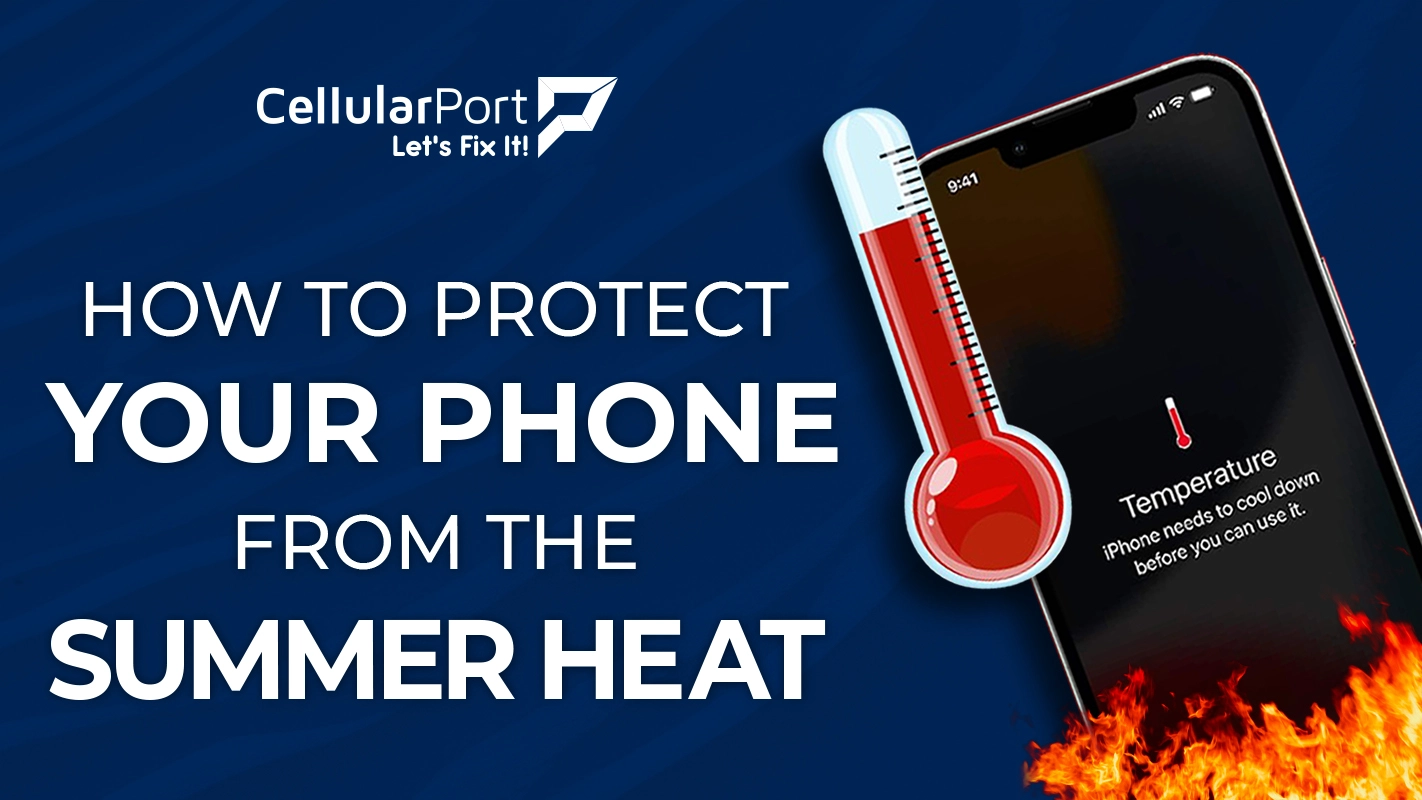
As temperatures rise and summer sunshine beckons us outdoors, our smartphones face a silent threat that can cause permanent damage, reduce performance, and even lead to complete failure. Heat is one of the greatest enemies of modern electronics, and with devices becoming increasingly powerful while shrinking in size, the risk of overheating has never been greater.
Whether you’re planning beach days, hiking adventures, or simply navigating through a heat wave in the city, knowing how to protect your valuable smartphone from excessive heat is essential knowledge for every device owner. This comprehensive guide will walk you through everything you need to know about heat’s impact on your phone and the steps you can take to prevent damage during the hottest months of the year.
Why Heat Damages Your Phone
Before diving into protection strategies, it’s important to understand exactly why heat poses such a serious threat to your smartphone. Modern phones are marvels of miniaturization, packing incredibly powerful components into increasingly slim profiles. This design approach creates a fundamental challenge: heat management.
The Battery Risk Factor
Your smartphone’s lithium-ion battery is perhaps the most vulnerable component when it comes to heat exposure. These batteries contain a flammable electrolyte that becomes unstable at high temperatures. When a lithium-ion battery overheats:
- Chemical reactions inside the battery accelerate unnaturally
- Internal resistance increases, creating even more heat
- The battery’s capacity permanently decreases
- In extreme cases, thermal runaway can occur, potentially leading to fire or explosion
According to battery research studies, exposing lithium-ion batteries to temperatures above 95°F (35°C) for extended periods can permanently reduce capacity by 15-20% per year, compared to just 4-5% under normal conditions.
Processor Vulnerability
Your phone’s processor (CPU) is designed to dynamically adjust its performance based on temperature. When heat builds up:
- The processor throttles its speed to reduce heat production
- Apps run slower and may crash more frequently
- Background processes may be terminated automatically
- Overall system performance degrades noticeably
Modern processors have thermal protection systems that will shut down the device entirely if temperatures reach dangerous levels, typically around 115°F (46°C) for internal components.
Other Heat-Sensitive Components
Beyond the battery and processor, heat can damage various other smartphone elements:
- Display panels can develop distortion or dead pixels
- Adhesives holding components together can weaken
- Solder points may crack or fail
- Memory chips can experience data corruption
- Camera sensors can develop permanent defects
Also Read: Reasons Your Cell Phone is Overheating
Warning Signs Your Phone Is Overheating
Recognizing the early signs of overheating can help you take immediate action before permanent damage occurs. Watch for these common indicators:
- The device feels uncomfortably hot to touch, particularly around the back panel or edges
- The battery drains unusually quickly, even with minimal use
- Camera app fails to launch or shuts down immediately (cameras generate significant heat)
- Screen brightness automatically decreases to reduce power consumption
- Apps close unexpectedly or run sluggishly
- Charging slows down or stops as a protective measure
- Warning messages appear indicating temperature problems
- The phone shuts down completely despite having a battery charge remaining
If you notice these symptoms, immediate action is required to cool your device safely.
Critical Situations
Specific scenarios create hazardous conditions for your smartphone. Being aware of these high-risk situations is the first step in prevention:
Direct Sunlight Exposure
When a smartphone is left in direct sunlight, surface temperatures can rise dramatically in minutes. Dark-colored phones or cases absorb more heat, potentially reaching surface temperatures above 120°F (49°C). The greenhouse effect inside a phone case can trap this heat, pushing internal temperatures even higher.
Car Dashboard and Window Danger
A closed car in summer can reach internal temperatures of 130-170°F (54-77°C) within 15-30 minutes. Placing a phone on the dashboard or near a window creates extreme conditions that can exceed the thermal tolerance of most devices. In these conditions, permanent battery damage can occur in as little as 30 minutes.
Beach and Pool Hazards
The combination of direct sunlight, reflected light from water or sand, and high ambient temperatures makes beaches and pools particularly dangerous environments for smartphones. The reflective properties of water and sand can intensify the sun’s rays, creating essentially a double-dose of solar heat.
During Intensive Activities
Certain phone activities generate significant internal heat:
- GPS navigation with the screen continuously on
- Playing graphics-intensive games
- Recording 4K video for extended periods
- Using multiple demanding apps simultaneously
- Charging while performing processor-intensive tasks
Combined with high ambient temperatures, these activities can quickly push a device beyond safe operating temperatures.
Essential Prevention Strategies for Summer Heat
Now that you understand the risks, let’s explore practical strategies to protect your phone during hot weather:
Avoid Direct Sunlight
The simplest and most effective prevention strategy is keeping your phone out of direct sunlight whenever possible:
- Store your phone in a shaded area when outdoors
- Use an umbrella or beach tent to create shade
- Place your phone under a towel or in a bag when not in use
- Position yourself so your body blocks direct sunlight from reaching your device
- Never leave your phone on sun-exposed surfaces like beach chairs or tables
Also Read: iPhone 15 Overheating Issues – Top 10 Fast Fixes That Work
Never Leave Your Phone in the Car
Given the extreme temperatures vehicles can reach, never leave your smartphone in a parked car during the summer months:
- Take your phone with you when exiting the vehicle
- If you must leave it, place it in the glove compartment (while still hot, it’s usually cooler than the dashboard)
- Consider using a reflective windshield shade to reduce interior heating
- Park in shaded areas whenever possible
Use Protective Cases Wisely
Phone cases present a heat management dilemma. While they protect against physical damage, many designs trap heat:
- During hot weather, consider removing thick, insulating cases
- Choose heat-dissipating cases made with materials like aluminum alloy or special heat-sink designs
- Avoid dark-colored cases, which absorb more solar radiation
- Look for cases with ventilation features that allow heat to escape
- Remove the case entirely when performing heat-generating activities like gaming or video recording
Adjust Your Usage Patterns
Simple changes to how you use your device can significantly reduce heat build-up:
- Take regular breaks from intensive applications
- Close unused apps running in the background
- Reduce screen brightness or enable auto-brightness
- Use airplane mode when full connectivity isn’t needed
- Avoid charging while using processor-intensive applications
- Wait for your phone to cool before charging
- Use speakerphone mode for long calls (holding the phone against your face adds body heat)
Leverage Built-in Heat Management Features
Modern smartphones include various settings that can help manage heat:
- Enable battery-saving mode to reduce processor demands
- Disable unnecessary connectivity features (Bluetooth, Wi-Fi, etc.) when not in use
- Schedule automatic updates for cooler evening hours
- Use adaptive battery features that optimize app power usage
- Disable location services for apps that don’t require them
- Set automatic shutdown for unused applications
Create External Cooling Solutions
When prevention isn’t enough, these solutions can help cool an overheating device:
- Move to an air-conditioned environment
- Place the phone near (not directly in front of) a fan
- Allow airflow around all sides of the device
- Use specialized phone cooling fans that attach to your device (popular among mobile gamers)
- Place the phone on a cool surface like marble or metal (avoid glass surfaces in sunlight)
- If available, use a phone cooling pad designed for heat dissipation
What To Do When Your Phone Overheats
If your phone has already reached dangerous temperatures, follow these emergency cooling steps:
DO:
- Power down immediately if the device is extremely hot
- Remove the case to improve heat dissipation
- Move to a cool, shaded environment
- Close all applications running in the background
- Reduce screen brightness to minimum levels
- Place on a cool surface that conducts heat away (like metal)
- Allow gradual cooling at room temperature
DON’T:
- Never place an overheated phone in a refrigerator or freezer – rapid temperature changes can cause condensation that damages internal components
- Avoid placing directly in front of an air conditioner or powerful fan – again, rapid cooling can cause condensation
- Don’t continue charging an overheated device
- Never use the phone while it’s overheating
- Don’t place your phone in water or use wet cooling methods unless your phone has a high IP water-resistance rating
When To Seek Professional Help
Certain scenarios warrant professional attention:
- If your phone displays a persistent temperature warning that doesn’t resolve
- If the device won’t power on after cooling down
- If you notice bulging or deformation of the battery or case
- If there’s an unusual smell coming from the device
- If performance issues continue after cooling
- If the phone repeatedly overheats under normal conditions
Getting Ready for Summer
As summer approaches, take these proactive steps to prepare your phone for the heat:
Perform a Maintenance Check
- Update to the latest operating system version, which often includes thermal management improvements
- Clear cached data and unnecessary files that could tax system resources
- Check battery health and consider replacement if the capacity has significantly degraded
- Clean charging ports and speaker grilles of debris that might impede airflow
- Remove unnecessary apps that might run in the background
Invest in Protective Gear
- Purchase a heat-reflective phone storage pouch for outdoor activities
- Consider a cooling case designed specifically for heat management
- Acquire a car mount that attaches to air conditioning vents, keeping your phone in the cool airflow during navigation
- Look into portable phone cooling accessories for travel
Adjust Your Storage Practices
- Create a dedicated cool storage spot for your phone at home during heat waves.
- Prepare a waterproof, insulated container for beach trips
- Set up charging stations away from windows and heat sources
- Establish a routine for checking your phone’s location during hot days
Special Considerations for Different Phone Types
Not all phones handle heat equally. Here’s what to know about specific device types:
Premium Flagship Phones
High-end devices from Apple, Samsung, and other major manufacturers typically include:
- Advanced thermal management systems
- Higher-quality components with better heat tolerance
- More sophisticated software throttling to prevent damage
However, their glass-and-metal designs can actually conduct external heat more efficiently into internal components. Their premium status also means replacement costs are higher if heat damage does occur.
Budget Smartphones
More affordable devices often:
- Have less sophisticated cooling systems
- May use lower-quality battery cells, which are more susceptible to heat damage
- Might experience more significant performance throttling under heat stress
For these reasons, budget phone owners should be especially vigilant about heat protection.
Gaming Phones
Specialized gaming devices typically feature:
- Enhanced cooling systems, sometimes including physical fans or vapor chambers
- Software optimized for sustained performance under load
- Better heat dissipation through specialized materials and design
Despite these advantages, gaming phones are often pushed harder by demanding applications, potentially offsetting their cooling advantages.
Also Read: Beating the Heat – A Complete Guide to Laptop Overheating Repair
The Long-Term Impact
Even if your phone survives a heat event without immediate failure, the long-term effects can still be significant:
Battery Degradation Acceleration
Each heat exposure contributes to cumulative battery deterioration. Research indicates that regular exposure to temperatures above 95°F (35°C) can reduce a battery’s usable lifespan by up to 50%. This means a battery designed to maintain 80% capacity after 500 charge cycles might reach that degradation point after just 250 cycles.
Component Fatigue
Repeated heating and cooling cycles create physical stress on internal components:
- Solder joints can develop microfractures
- Circuit board materials can warp slightly
- Thermal paste and adhesives can degrade
- Display connectors can become less reliable
These subtle forms of damage might not cause immediate failure but contribute to earlier device retirement.
Software Performance Impact
Heat exposure can trigger aggressive power management that persists after cooling:
- Your phone may permanently reduce maximum performance to prevent future overheating
- Background processes might be more aggressively limited
- Battery health monitoring may recommend reduced charging levels
Building Heat Protection Habits
The most effective protection comes from developing consistent habits:
Daily Practices
- Check weather forecasts and plan accordingly for high-temperature days
- Be mindful of phone placement when outdoors
- Take breaks from phone use during the hottest parts of the day
- Perform battery-intensive tasks during cooler morning or evening hours
- Make a habit of checking your phone’s temperature by touch
Travel Considerations
- Pack appropriate phone storage solutions for beach trips or outdoor excursions.
- Establish a safe phone storage routine when entering and exiting your vehicle.
- Consider a secondary basic phone for extreme environments where heat risk is unavoidable.
- Research ahead for air-conditioned spaces if traveling in hot regions
Seasonal Awareness
- Be especially vigilant during heat waves and temperature spikes
- Adjust your case choice seasonally, using more ventilated options in summer
- Schedule intensive phone maintenance tasks (like large updates or backups) during cooler seasons
- Consider timing upgrades to avoid new device purchases during peak summer months
In Conclusion
Protecting your smartphone from summer heat requires awareness and proactive steps, but it doesn’t mean you need to keep your device in a refrigerator all season. By understanding the risks, recognizing dangerous scenarios, and implementing sensible protection strategies, you can enjoy your summer activities while keeping your valuable device safe from thermal damage.
Remember that smartphones are designed to operate within specific temperature ranges, typically between 32°F and 95°F (0°C to 35°C) for optimal performance. When ambient temperatures rise above these levels, your phone relies on you to provide the protection it needs.
By following the comprehensive strategies outlined in this guide, you can significantly reduce the risk of heat damage, extend your device’s lifespan, maintain performance, and avoid the expense and inconvenience of premature replacement. A few moments of preventive action can save hundreds of dollars in repair or replacement costs and protect the valuable data and functionality you rely on daily.
This summer, make heat protection part of your smartphone routine. Your device—and your wallet—will thank you.